
Couch Co-op Quest Night: How to Set Up a Four-Player Session
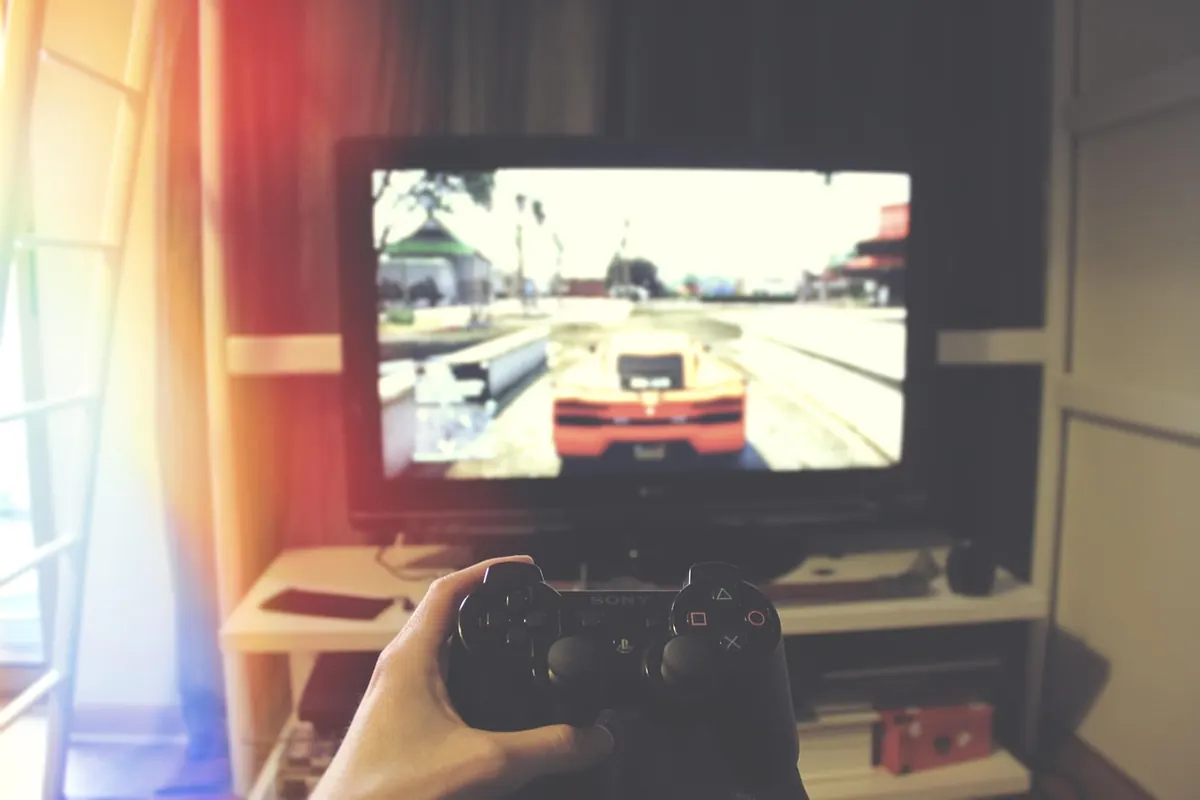
Four-player couch co-op fails in predictable ways. Someone's controller is flat, the split-screen is unreadable from the corner of the sofa, and the save file everyone agreed on has been quietly overwritten by a guest profile. None of that is difficult to prevent. It simply needs sorting before the doorbell goes, rather than forty minutes into a campaign run.
Controllers: Pair, Charge, Assign
Start here, because a dead pad is the most common reason a session stalls before the first match. Charge everything the night before, then leave one cable plugged in near the seating, long enough that somebody can keep playing while topping up. If your controllers take AA batteries, keep four charged spares in a drawer. Swapping a battery takes seconds; hunting for one takes twenty minutes and involves somebody's kitchen drawer.
Pairing order matters more than people expect. Some games hand Player 1 the menus and the save file, and a few lock split-screen panes to specific slots. Pair in the order you want people to sit, then check the console's controller list to confirm four pads are connected and each is signed into the right profile.
- Guest profiles: create them in advance so nobody is typing an email address with a d-pad.
- Phone-as-controller apps: fine for quiz and party games, painful for anything needing precise timing.
- Button layouts: if a game offers alternates, agree on one before the first round rather than swapping between matches.
- Audio: one pair of headphones on the TV defeats the point. Check whether the game supports several headsets at once, or use the speakers.
Make the Screen Work for Four
Split-screen divides the display, which changes how far away people can comfortably sit. If the HUD is unreadable from the far seat, you have a problem before anyone has died once.
Arrange the seats in a shallow arc rather than a straight line. Distance matters more than screen size: a modest television with everyone two metres away beats a huge one with the fourth player squinting from the doorway.
Switch the TV into its game or low-latency picture mode and turn off motion smoothing, dynamic contrast and aggressive noise reduction. These add delay and smear exactly the low-contrast detail that split-screen shooters rely on. Then check the layout: four quarter-panes on a mid-size screen is hard work, so favour games with two-up splits or a shared camera where you can.
Subtitles are worth enabling. Four people talking over shared audio means dialogue goes missing, and subtitles keep everyone on the same page without pausing.
Pick a Game That Genuinely Supports Four
Store pages are loose with the word co-op. Online co-op and local co-op are different features, and a four-player online game may only manage two on one console. Check the back of the box, the store's local multiplayer details, or a quick search before committing an evening to it.
Good bets for four
- Arcade racers with true split-screen, where the fun comes from the grid rather than the track design.
- Brawlers and beat-'em-ups, usually built around a shared camera and short stages.
- Party and minigame collections, ideal as a warm-up or a palate cleanser between longer runs.
- Top-down and twin-stick co-op, where a fixed camera keeps all four players visible.
- Co-op puzzlers, where four people arguing about a solution is genuinely part of the appeal.
- Short-run roguelites, where a failed attempt costs ten minutes rather than the whole evening.
Harder to run with four
- Story games with one save file and long cutscenes.
- Turn-based strategy, where three people watch one person think.
- Anything where players two, three and four are guests with no progression of their own.
Have a backup installed and updated before people arrive. If the main game turns out to be a dud at four, swapping to something else beats an hour of scrolling through menus.
Quest-Sharing: Saves, Progress and Latecomers
Decide before you start whether you are pushing one shared campaign or four separate ones. In plenty of co-op campaigns, only the host's save advances and a guest's progress is discarded when they leave. That is fine, as long as everyone knows.
If the campaign matters to the group, rotate who hosts each session so the credit spreads around, or agree that one save is the real one and treat the rest as practice. Separate profiles are worth setting up even for a casual night: overwriting someone's file is the quickest way to sour a good group.
Note where you stopped. A photo of the level select screen takes five seconds and settles the "weren't we on the ice bit?" argument next week.
House rule worth keeping: nobody loads a different save without saying so out loud first.
Drop-in, drop-out games keep the evening flexible, letting latecomers join mid-match without derailing a run. Where the console supports cloud saves, sync before the session rather than after.
The Room Itself
A dining chair pulled up alongside the sofa beats wedging four people onto three seats. Elbows need room, and the fourth player being comfortable is the difference between a two-hour session and a forty-minute one.
Put drinks on the floor rather than the arm of the sofa, and choose snacks that do not coat controllers in grease. Pretzels and grapes are kinder than crisps. Keep the room lit well enough that nobody is staring into a bright panel in the dark for three hours, and take a proper break every hour or so to stretch and refill glasses.
The Ten-Minute Pre-Flight Check
- Install game and console updates the day before. A surprise download kills momentum.
- Charge four controllers and plug one cable in within reach of the seats.
- Pair each pad, create guest profiles, confirm the player slots.
- Switch the TV to game mode, then sit in the furthest seat and check the HUD is legible.
- Load the agreed save and photograph the checkpoint.
- Install and update one backup game.
- Set out seats, drinks and a bowl of something that is not covered in salt.
Keeping the Night Moving
Short rounds beat long missions. Agree a loose limit on "one more go" so the evening ends on a high note rather than at two in the morning with everyone irritable. Rotate teams between rounds to keep matches even, and if somebody turns up late, drop them into the next round instead of restarting the level for a fourth time.
Finish with something light. A party game or a quick race sends everyone home laughing, whereas stopping mid-campaign on a cliffhanger guarantees nobody remembers what was happening next time. Sort the controllers, sort the seating, agree the save file, and the setup takes ten minutes — leaving the rest of the evening for the part you actually invited people over for.
Photo: Pexels / Pixabay